

Accessing 0xCord
To begin, go to 0xCord.com. If you already have an account, click on the “Login” button to initiate the login process. If you are new to 0xCord, click on the “Sign Up” button to create a new account and proceed with the login process.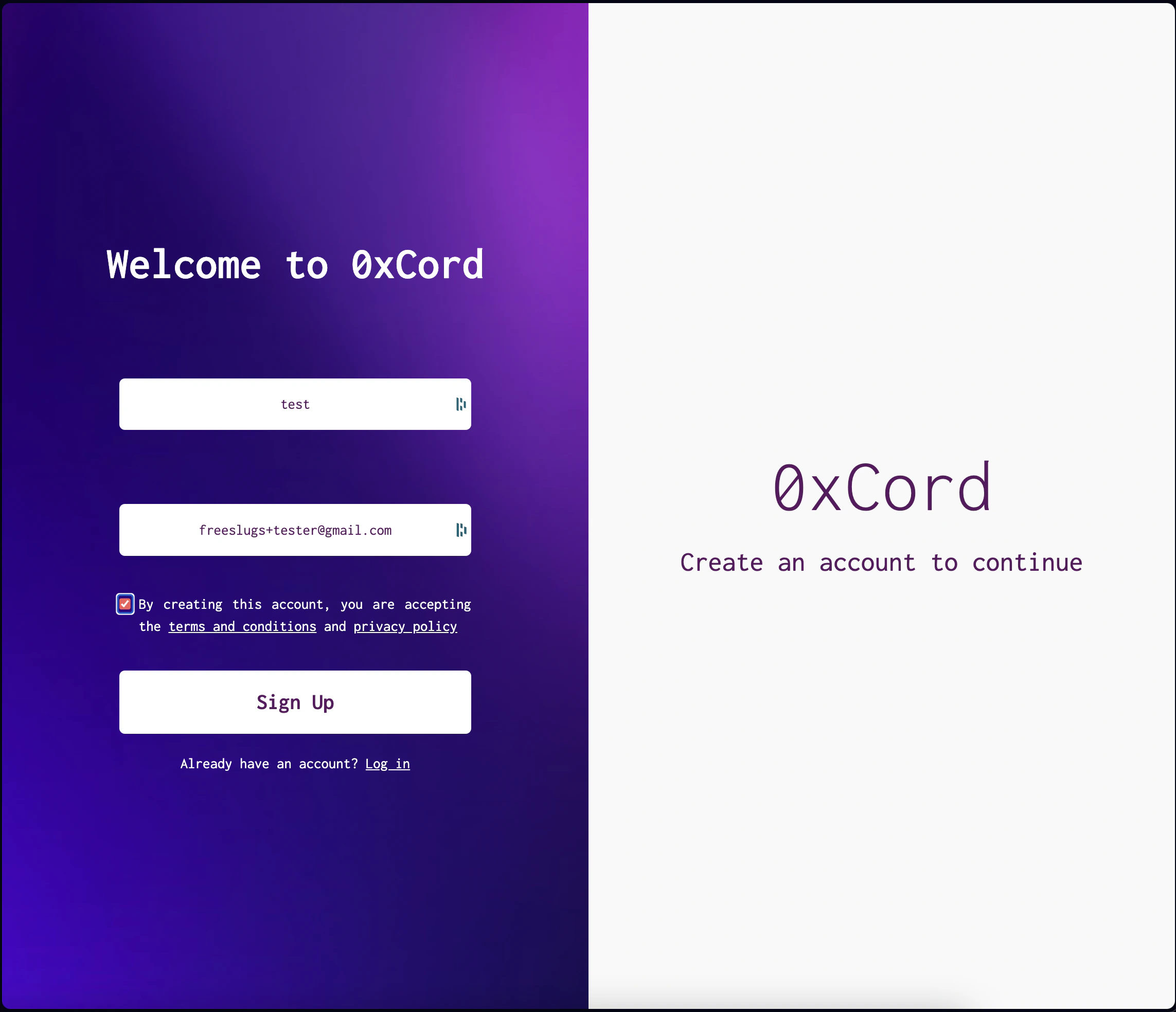
Login and Email Verification
To access your 0xCord account, you will receive a magic link via email. Enter your email address and click “Send Magic Link”. Check your inbox for the email from 0xCord and click on the magic link to proceed with the login process.Creating a New dApp
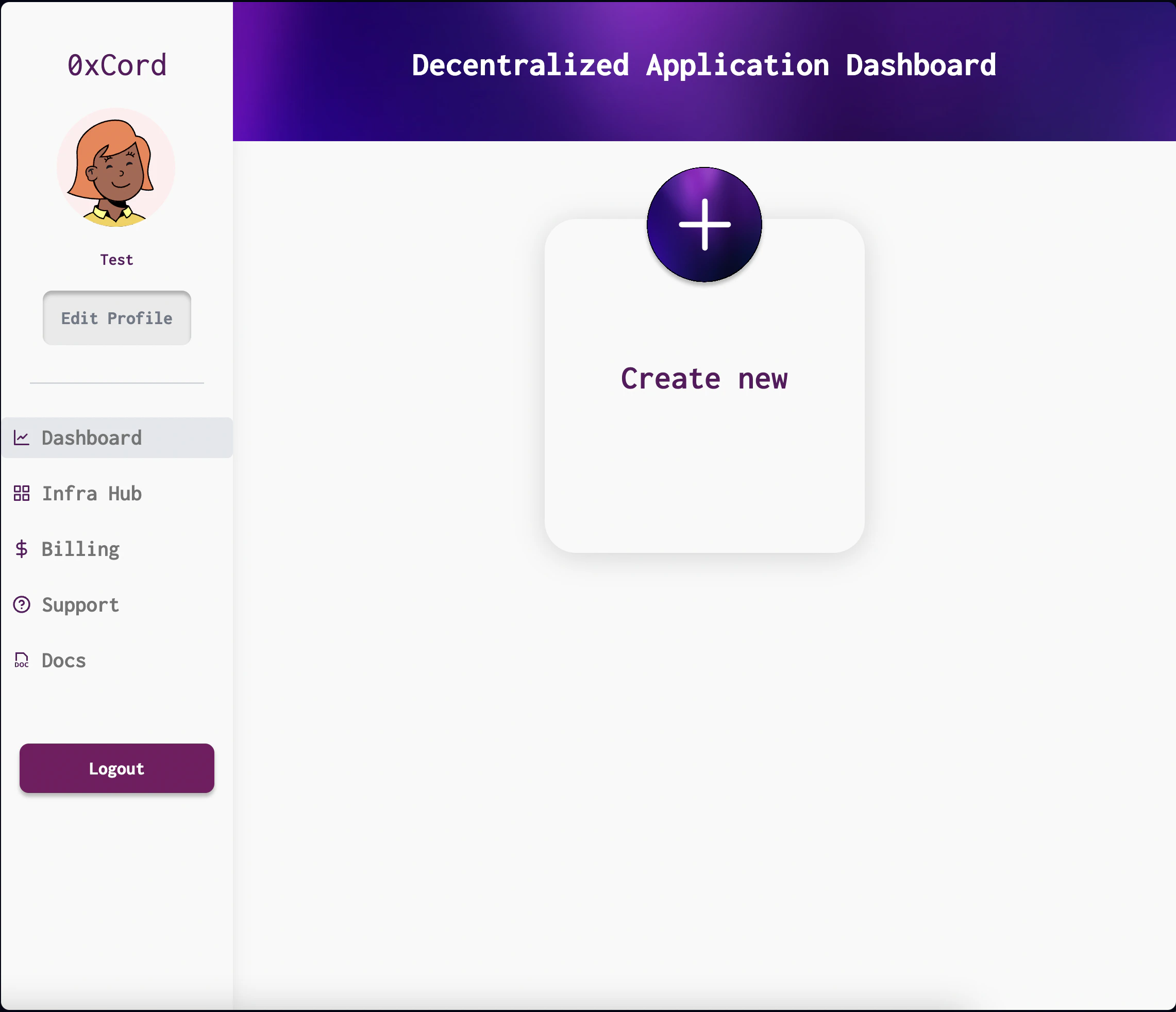
Once logged in, you will be redirected to your 0xCord dashboard. Click on the “Create New dApp” button and provide a name for your dApp. Click “Create” to proceed.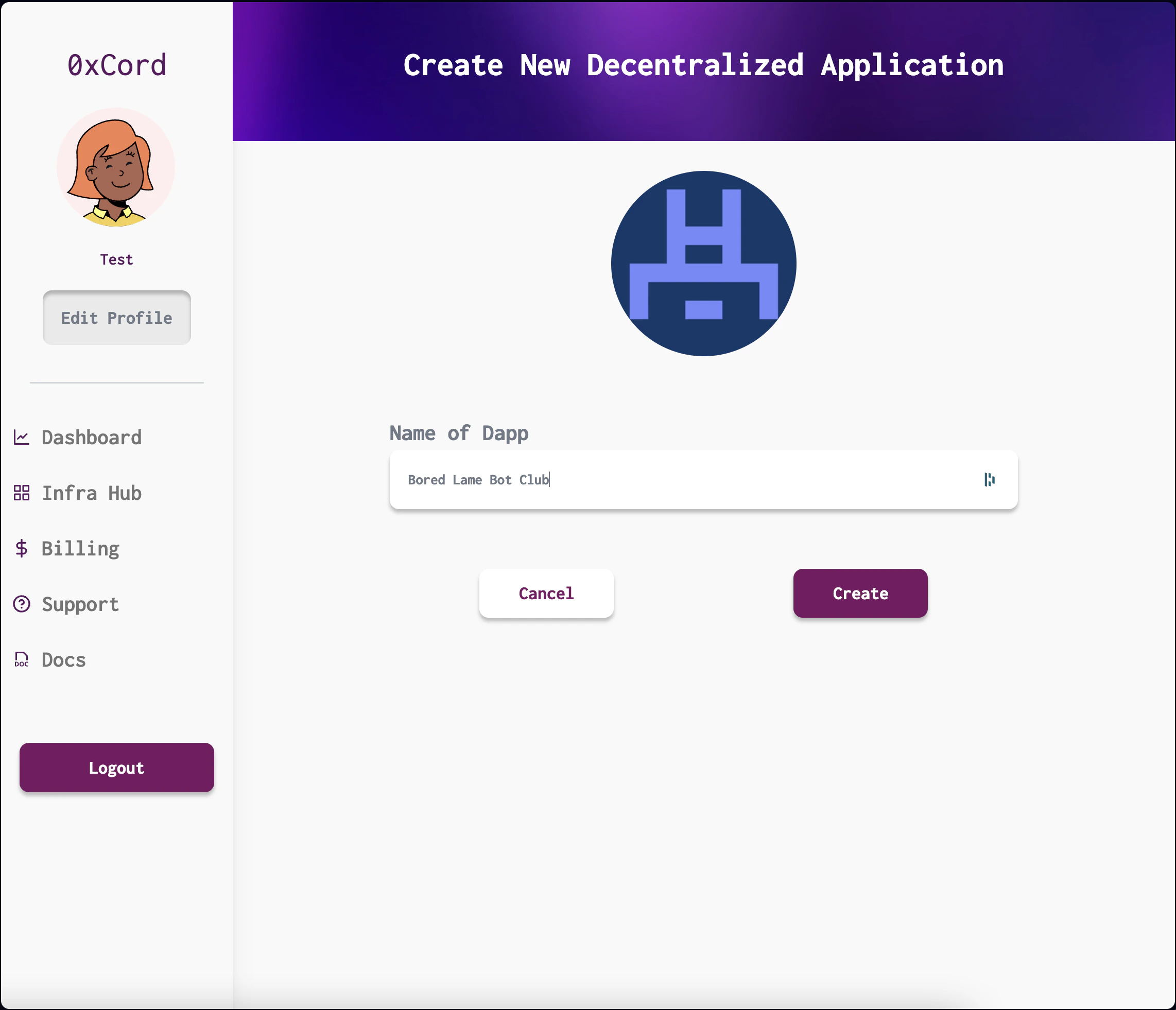
Provisioning Infrastructure
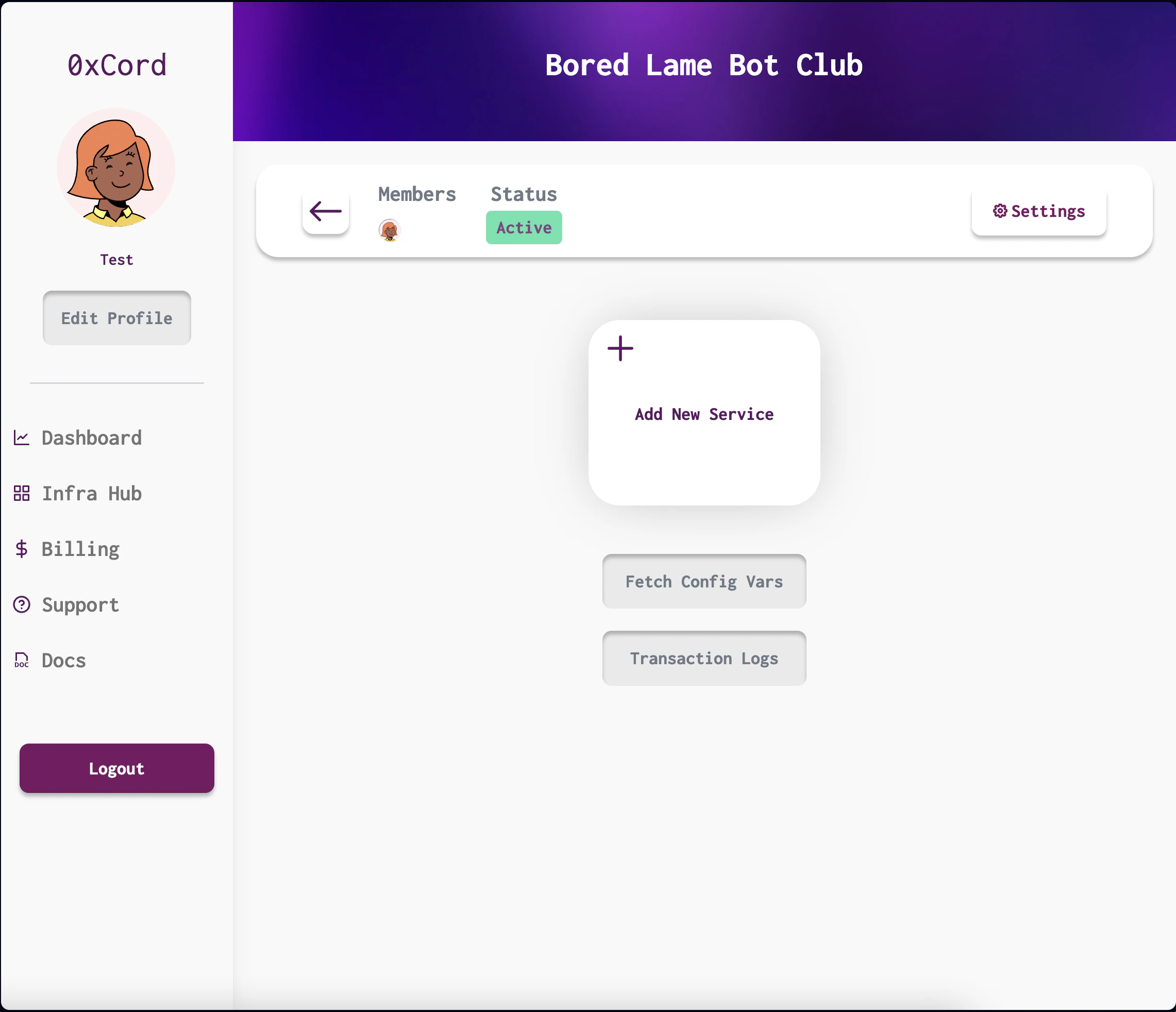
After creating your dApp, you will be taken to the Infrastructure Hub. Here, you can provision the required infrastructure for your dApp, including Chainlink and other services. To provision infrastructure, select the desired services and click “Add new Service”.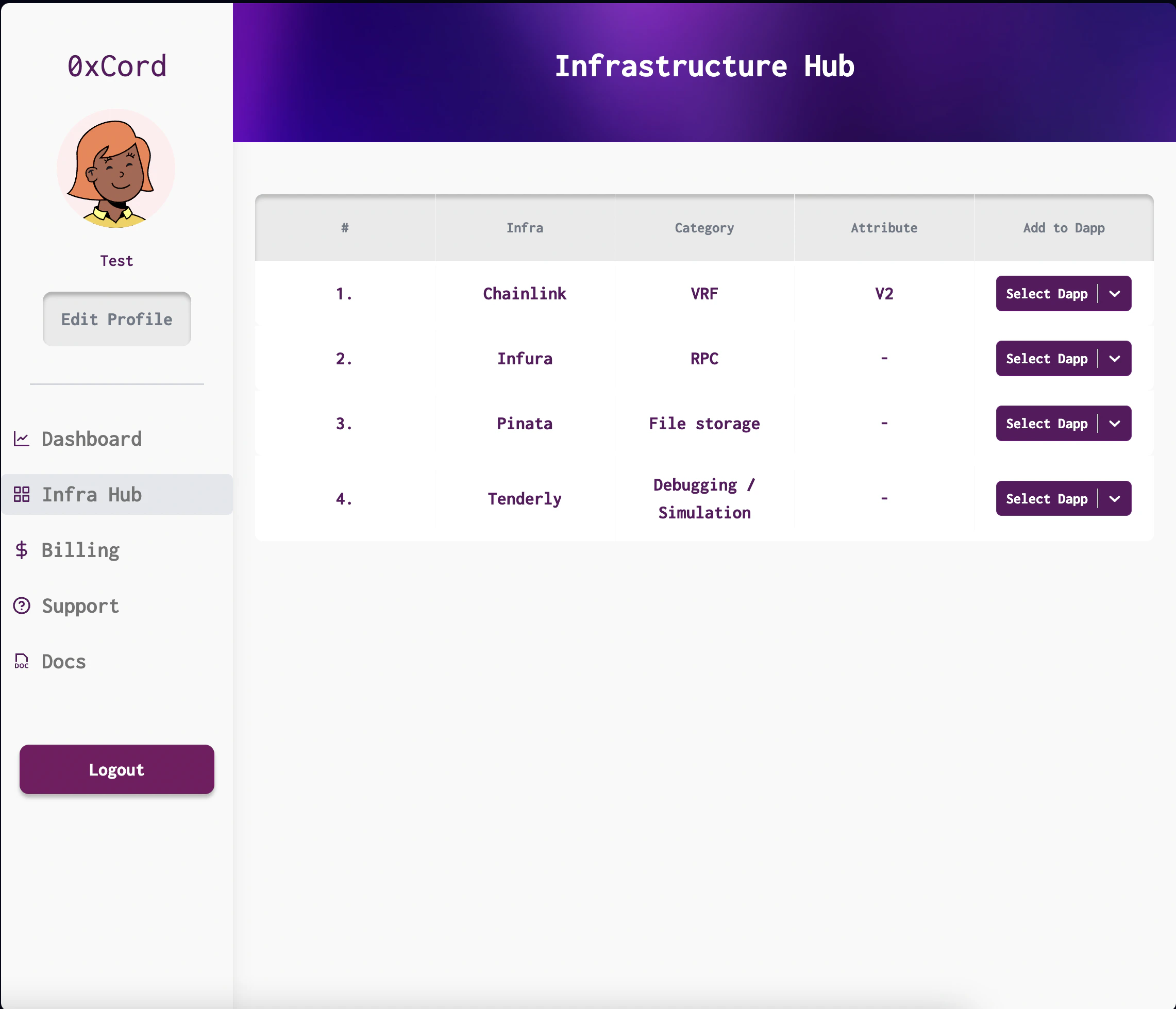
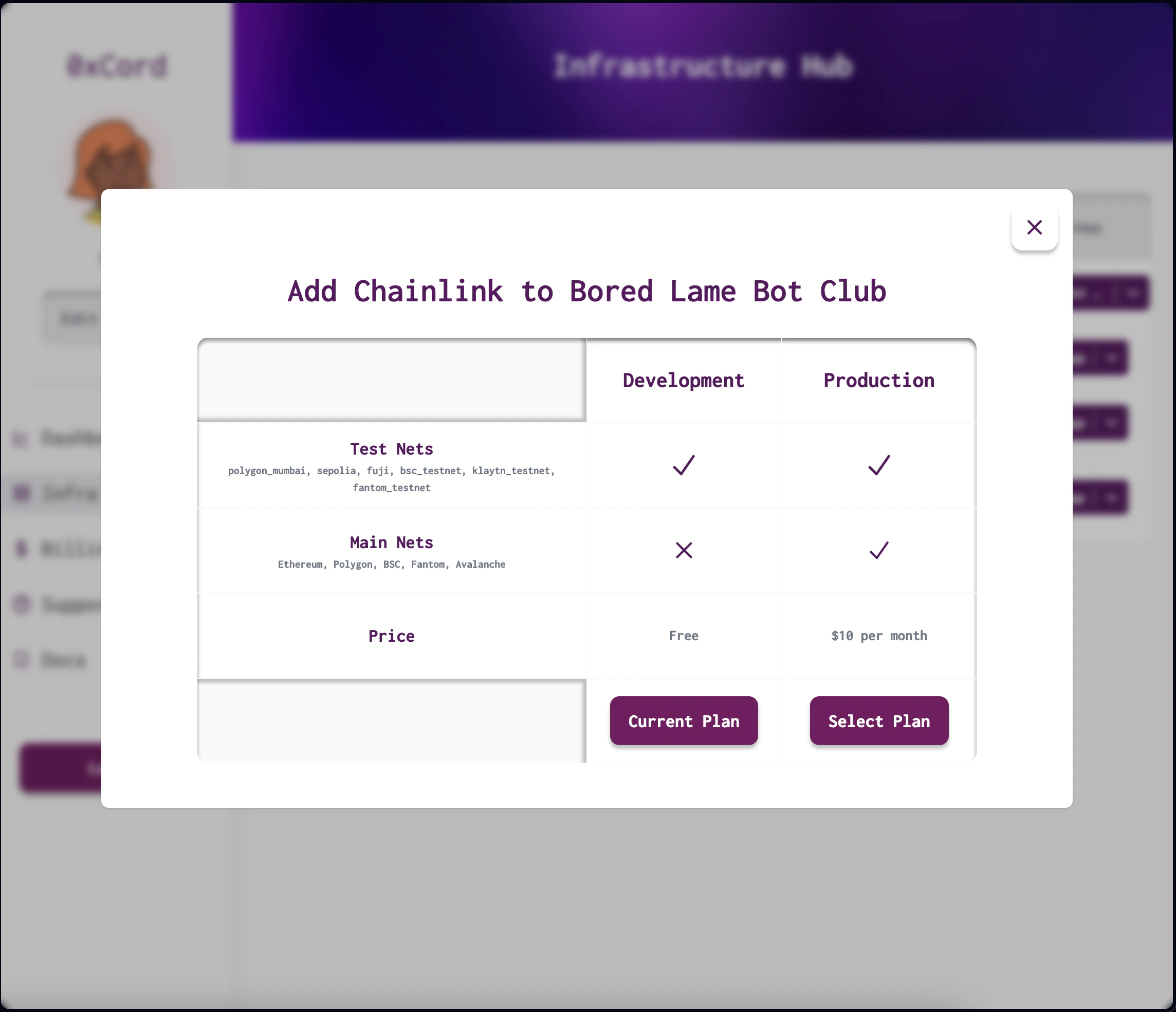
Configuring Variables
Upon provisioning infrastructure, you will receive configuration variables for your dApp. These variables are essential for connecting and authenticating with the services. Access them in the “Config Vars” section of your dApp settings.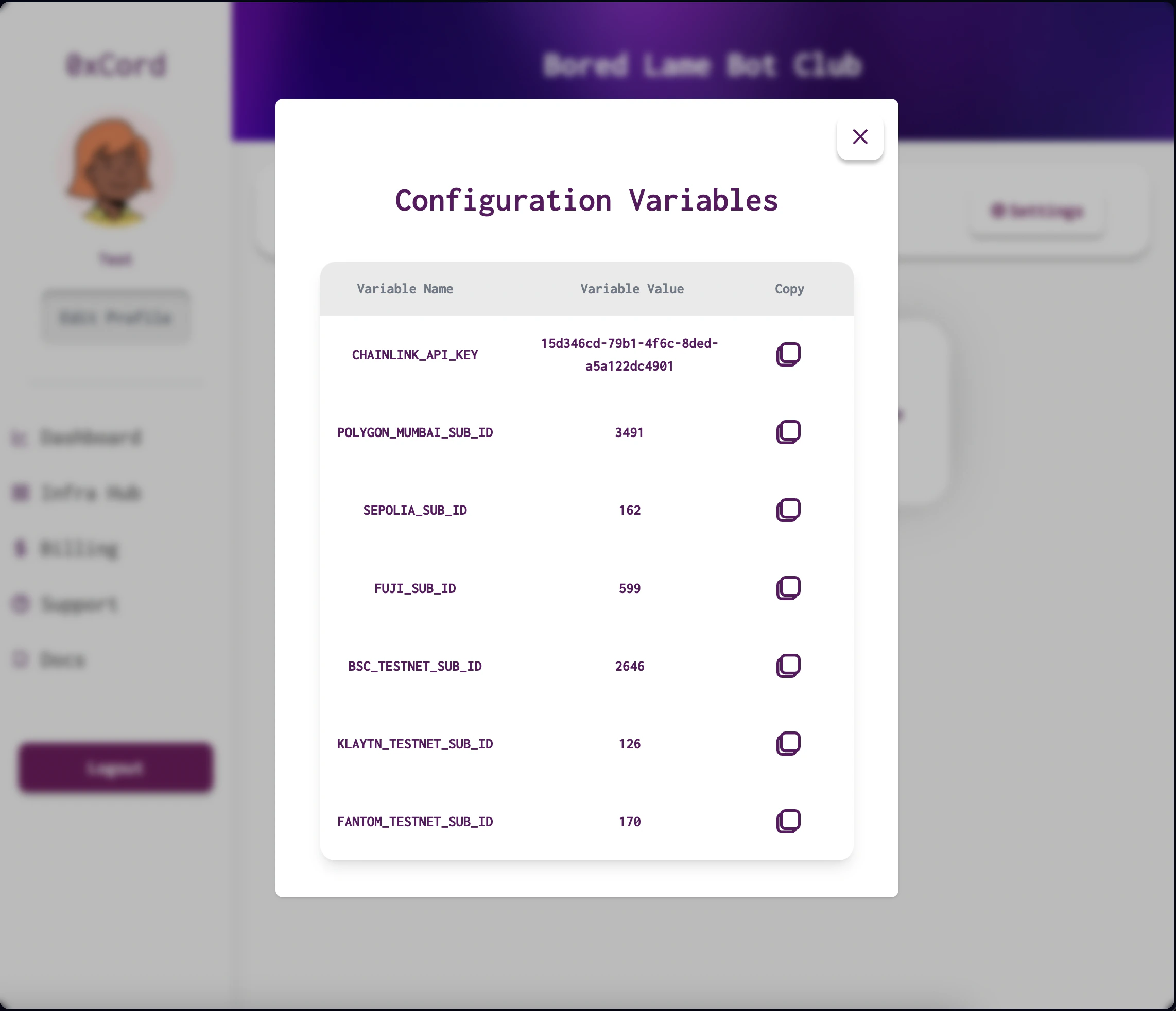
Chainlink VRF V2
Generate provably random numbers with Chainlink VRF V2 for fairness and randomness in your dApps.
Chainlink Functions
Integrate external computations, data, and services using Chainlink Functions.